Talk naturally
Address Jarvis by name and follow up by voice. Speech recognition and speech synthesis can run entirely on your computer.
Private local AI assistant
Jarvis is a local AI assistant for macOS, Windows and Linux. Talk naturally, chat by text, remember past conversations and dictate into other apps, with models and memory on hardware you control.
No subscription. Free for non-commercial use.

More than a wake word
Talk through an idea with someone, then invite Jarvis in. While voice listening is enabled, a short, temporary transcript of nearby speech lets it follow what you have just discussed.
YouWe could have a picnic tomorrow.
A friendDepends on the weather. Should we stay indoors?
YouJarvis, what do you think?
The recent discussion gives that question its context. Understanding depends on your speech and chat models.
One assistant, your desktop
Address Jarvis by name and follow up by voice. Speech recognition and speech synthesis can run entirely on your computer.
A local diary and knowledge graph keep context between sessions. Browse saved conversations, preferences and plans in the Memory Viewer.
Companion chat shares your voice conversation and memory. Text replies stay silent, so you can use it without disturbing the room.
Hold a shortcut, speak, then release to paste locally transcribed text. History, a custom dictionary and optional cleanup are available where dictation is supported.
Built-in tools cover web search, weather, time, local files, screenshot OCR and nutrition tracking. Network features connect when you use them.
MCP servers can add browser automation, smart-home controls and other tools. You choose the servers and what they can access.
Voice or text
Open Chat from the face or tray menu. Pause Voice Listening when you want to stop room transcription while keeping chat and dictation available.
How privacy and memory work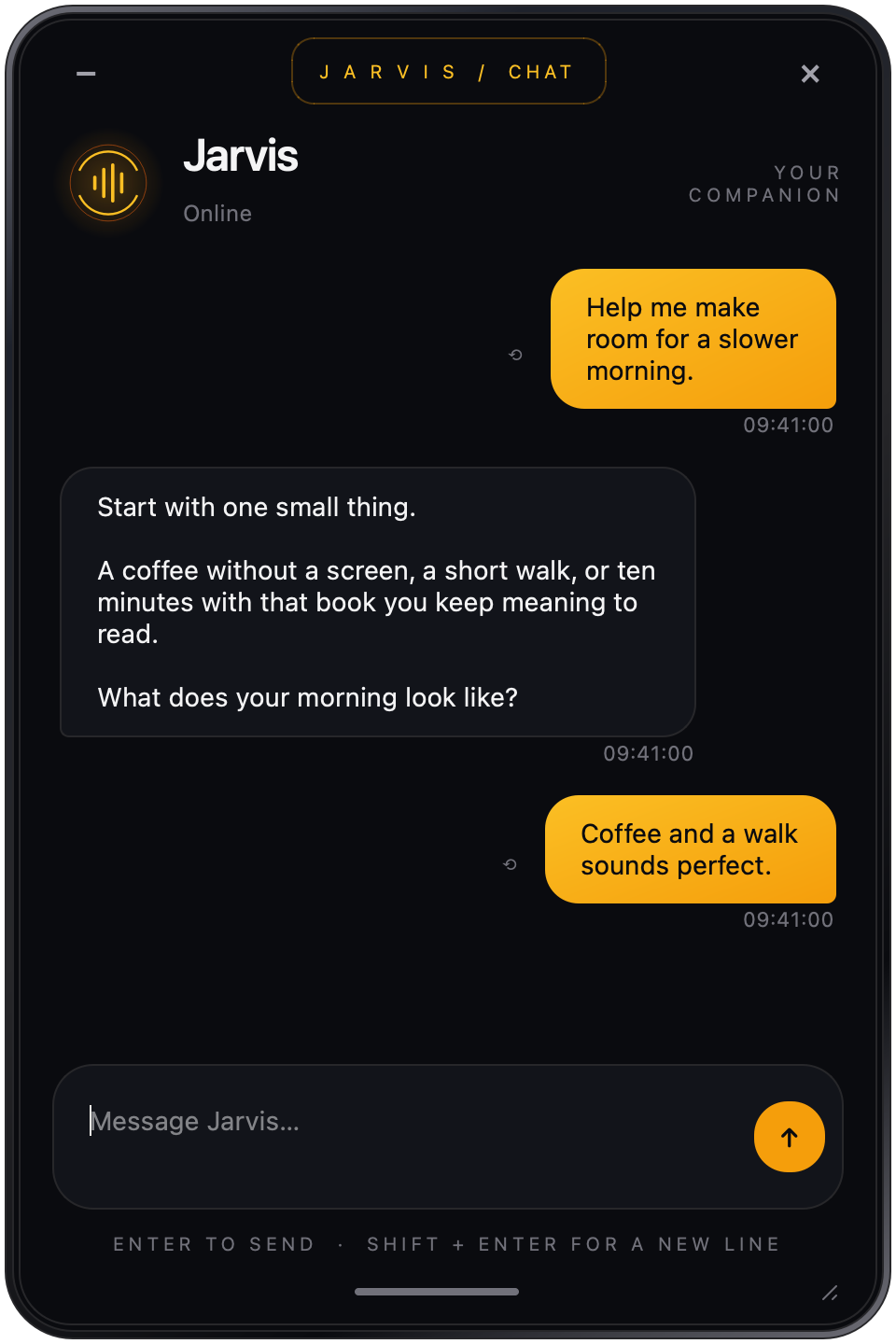
Make room for Jarvis
The desktop app and setup wizard help you choose local models. macOS, Windows and Linux downloads are available.
Download & setup